Lupus Decoupled 1.4: Component Previews, Canvas-Ready, and a Better JSON API Enabling Native Vue Slots
Lupus Decoupled is the Inertia.js-style development solution bringing modern frontend frameworks to Drupal. Since reaching version 1.0 earlier this year, we've seen the solution mature, while it proved itself in production for years: from powering mossbo, our Cloud CMS that won two Splash Awards 2025, to enterprise-scale deployments like the Volkswagen AG Infoportal multi-brand communication portal.
Today, we're excited to announce version 1.4: A release that brings significant improvements to how frontend developers work with Drupal data, introduces component previews, and lays the groundwork for Drupal Canvas integration. This release builds upon the goodness of Custom Elements 3.3 and works best with nuxtjs-drupal-ce 2.5, which together deliver the features outlined below.
Component Previews
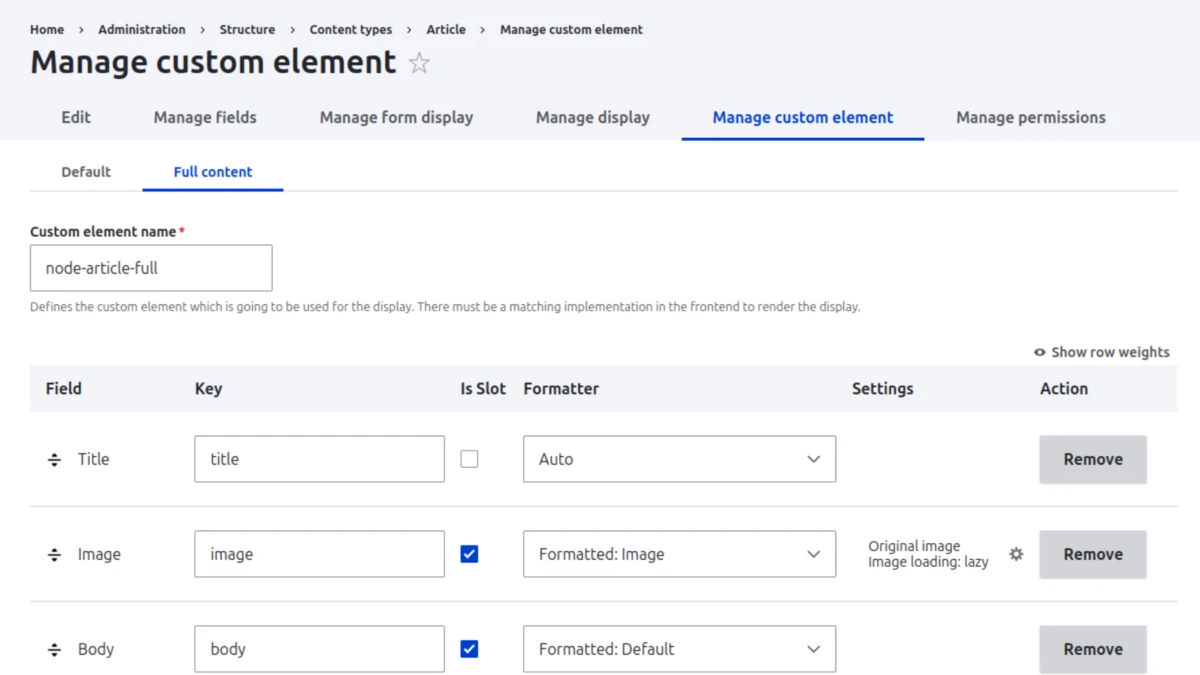
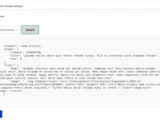
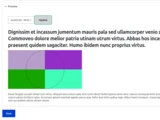
One of the so far most missing features has been the ability to seamlessly preview Vue components directly within Drupal. With this release, we're introducing integration with nuxt-component-preview, a new module we've developed specifically for this purpose, which is now shipped with nuxtjs-drupal-ce 2.5 by default.
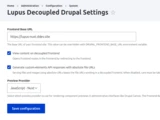
The setup for component previews is straightforward: once you select the "Nuxt Preview" provider in the Lupus Decoupled settings screen, component previews within the Drupal admin theme are all setup and working. You can then preview your components directly at the "Manage custom element" screen when configured the output in Drupal. That way you can see exactly how your Vue components will render, without leaving the admin interface.
A Better JSON API Enabling Native Vue Slots
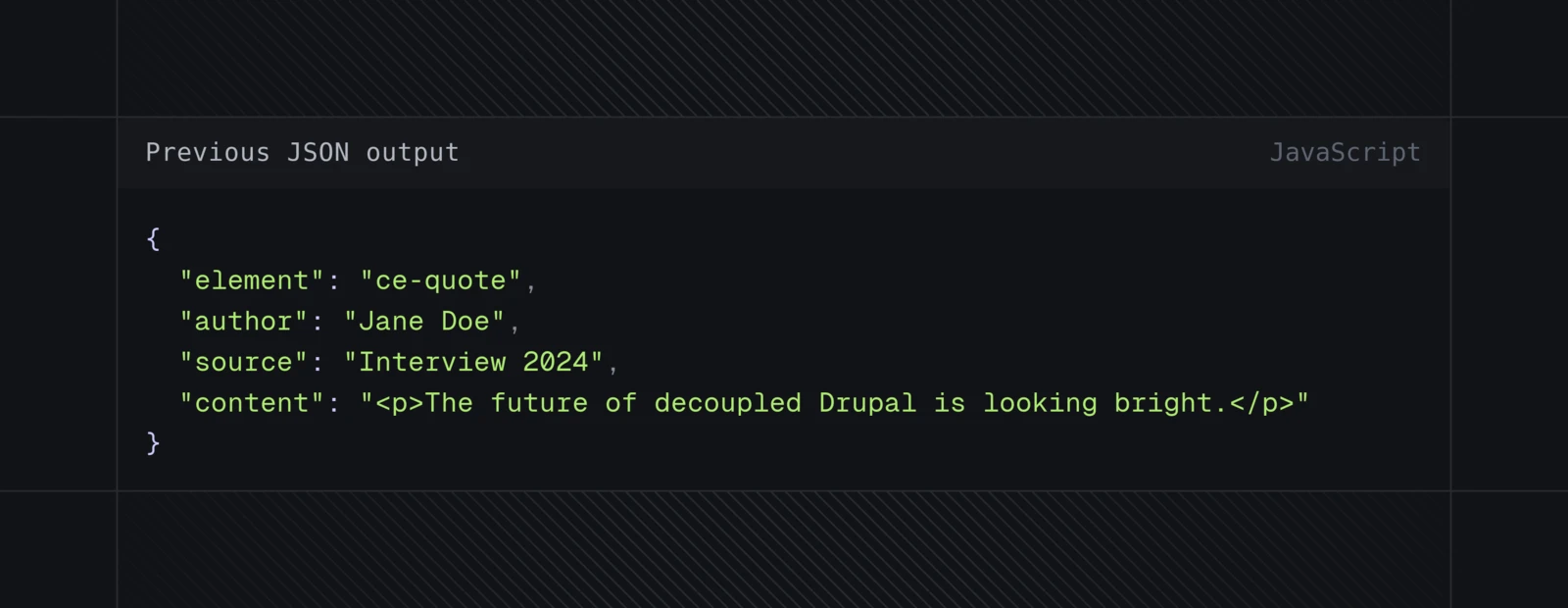
While Lupus Decoupled already used JSON-formatting as its default output format for custom-elements content, the previous structure mixed slot and prop data together, making it harder for frontend components to distinguish between the two.
With version 1.4, we're introducing an explicit JSON format that clearly separates props from slots. Existing installations keep the legacy format for backwards compatibility, but can switch to the explicit format at any time. While we're focusing on Vue and Nuxt here, the same structured output works likewise in other frameworks like React.
Here's what the difference looks like. Previously, a quote component's data would have been output like this:
Now, with the explicit JSON format, slots and props are clearly separated:
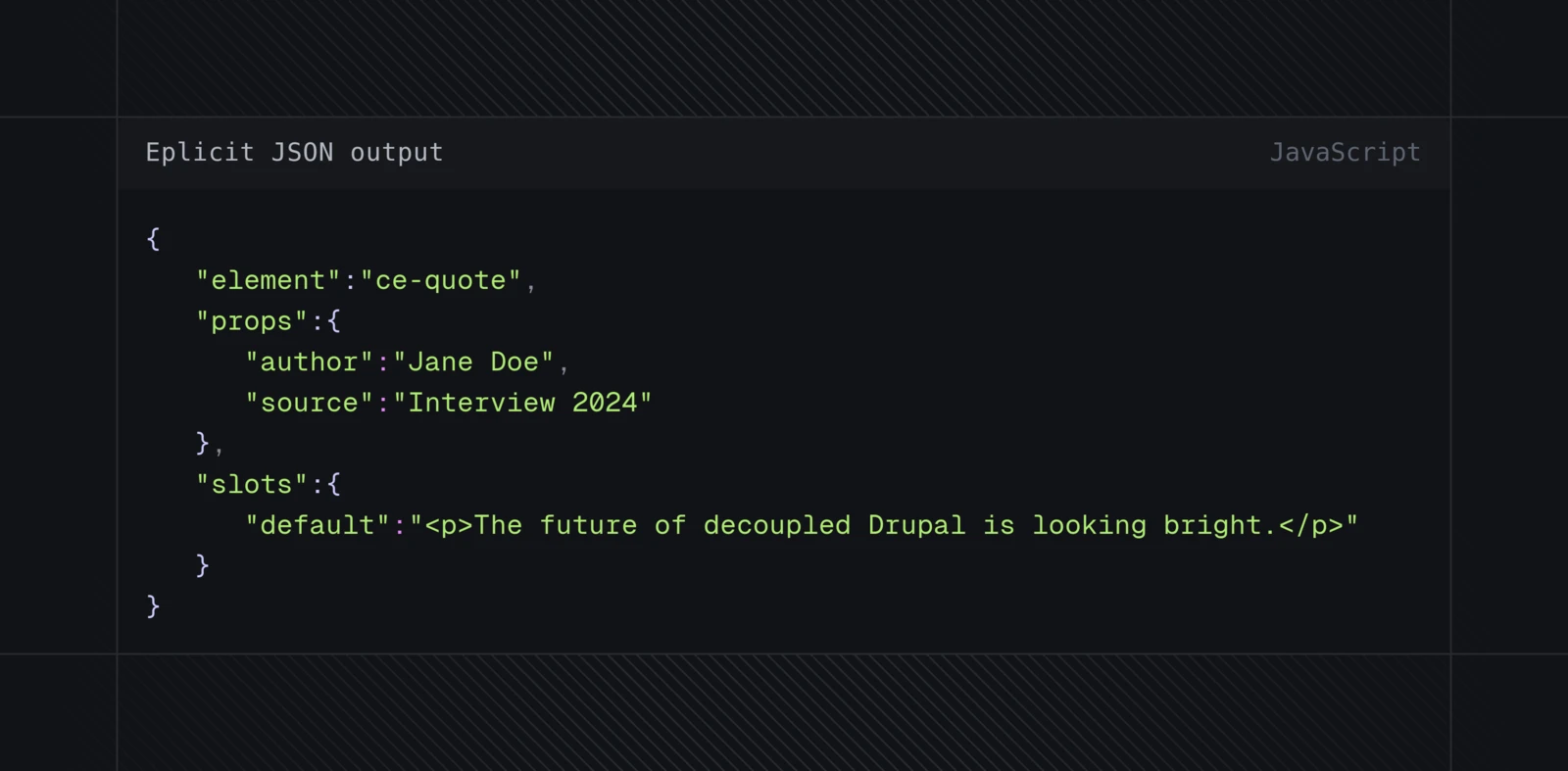
This explicit separation allows the frontend to take advantage of native Vue slots. Instead of having to figure out which data should go into slots, your components can directly use Vue's slot mechanism:
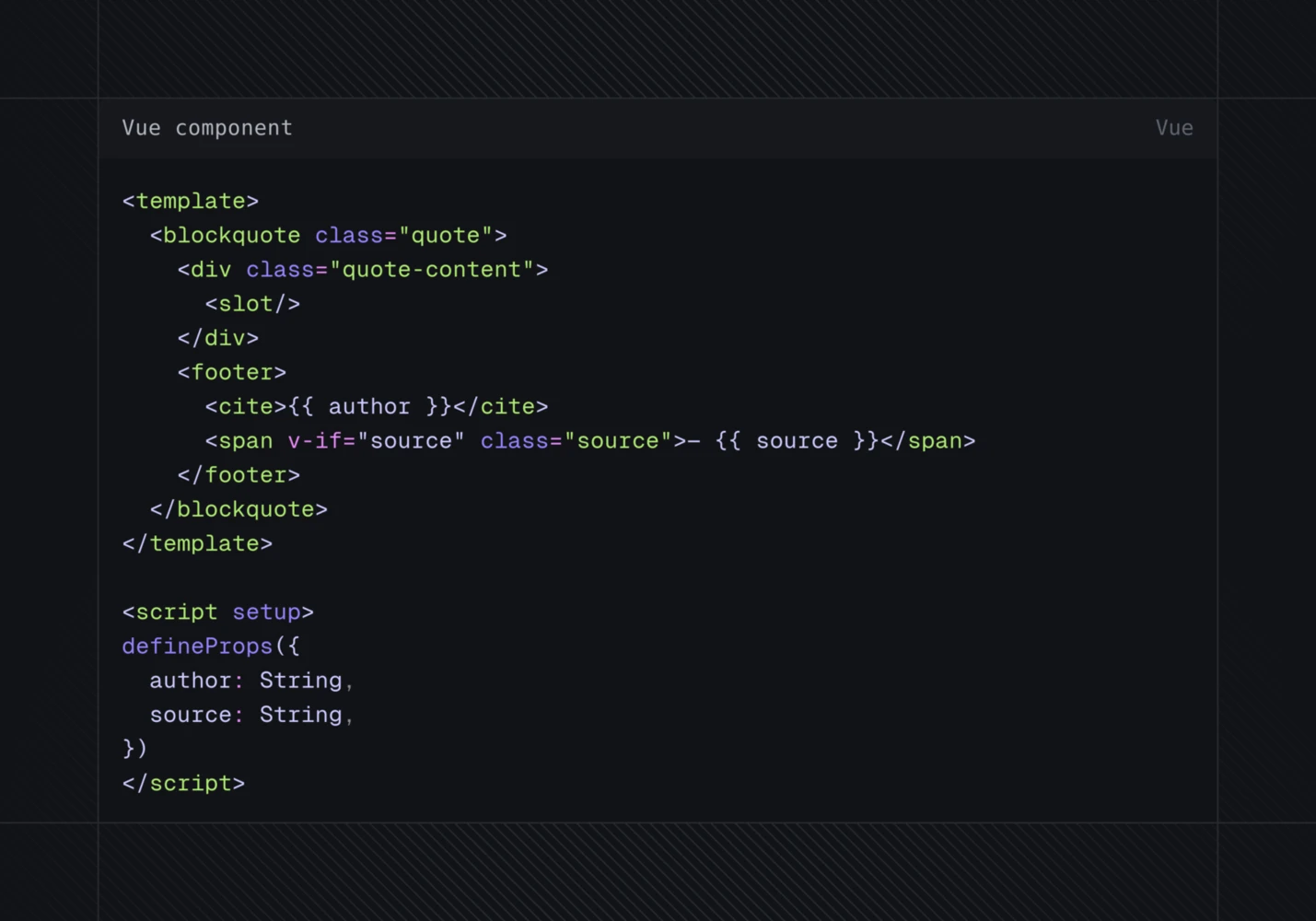
The default Vue components shipped with nuxtjs-drupal-ce 2.5 have been streamlined to take full advantage of this explicit JSON output, resulting in cleaner slot handling and simpler component code overall. Of course, we've updated the docs too.
Improved Views Support
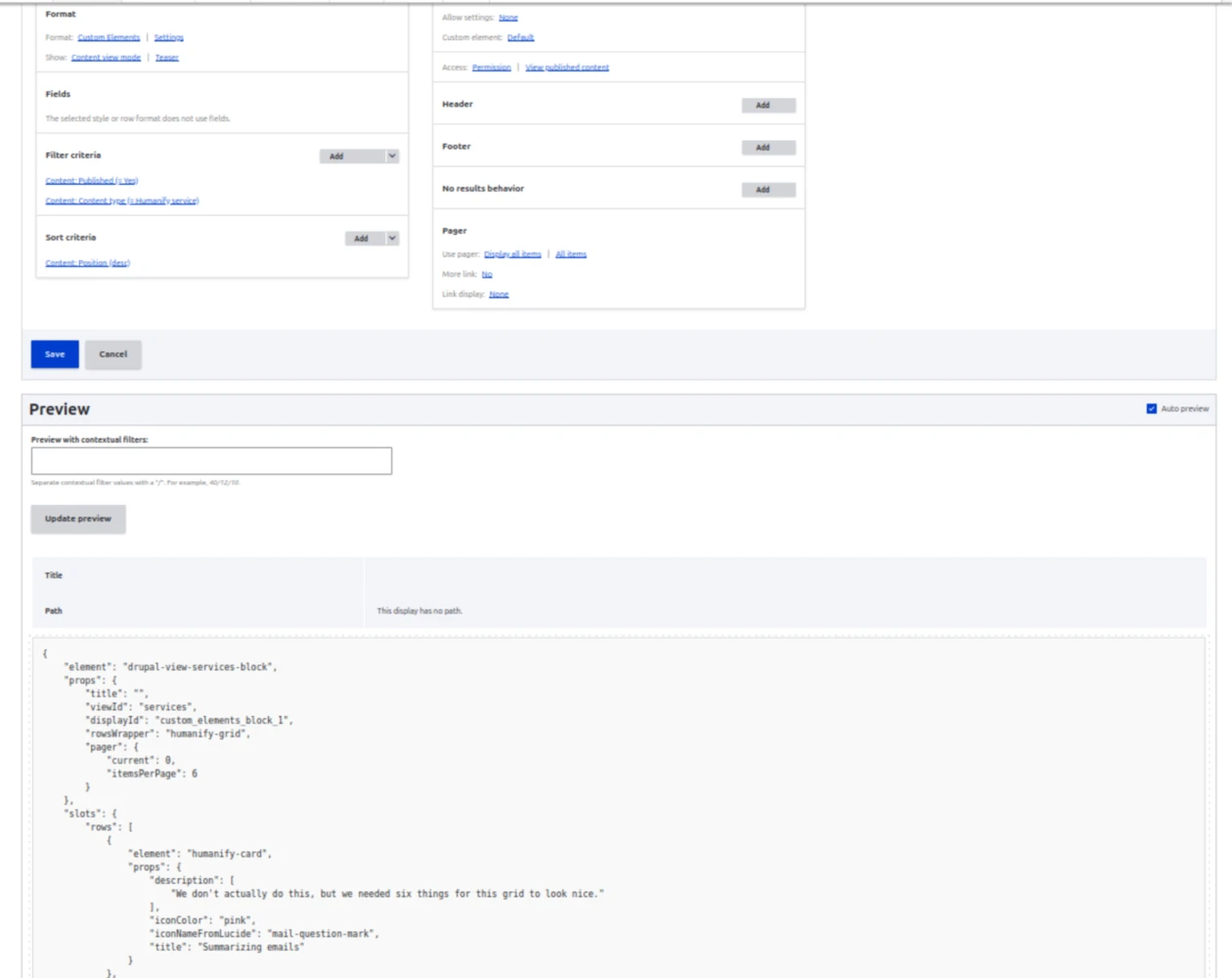
Drupal Views integration has always been one of the powerful features of Lupus Decoupled. With this release, we've made it even easier to use: you can now define row-wrappers and customize custom element names for Views output. We've also added warnings when Views custom element display plugins are used without the custom elements style plugin being enabled, and the Views integration now includes a JSON preview as part of the Views preview, making it easier to inspect the API output directly while building.
Drupal Canvas-Ready
Perhaps the most forward-looking addition in this release is the support for Drupal Canvas 1.0, thanks to the component preview system. Through integration with the Canvas ExtJS module, Canvas pages can be rendered fully decoupled, while component previews are fully working during editing.
The setup is straight-forward thanks to nuxt-component-preview and its generated component-index.json, which is auto-generated based upon the TypeScript metadata of your Vue components. After registering components, editors can work with Canvas as usual, including full component previews inside Drupal. The final site rendering happens with Nuxt and therefor features full server-side rendering support - a must-have for SEO. We'll cover the Canvas integration in more detail in an upcoming blog post, stay tuned!
Updating to 1.4
To take advantage of all the new features, you'll want to update the full stack:
composer require drupal/lupus_decoupled:^1.4 drupal/custom_elements:^3.3
drush updatedb -y
And on the frontend side, update to nuxtjs-drupal-ce 2.5:
npm install nuxtjs-drupal-ce@^2.5
The explicit JSON format is opt-in, so existing sites can upgrade without breaking changes. After updating to nuxtjs-drupal-ce 2.5 the frontend supports the new format, so you can simply enable it by adjusting the configuration at the new Custom Elements settings screen located at /admin/config/content/custom-elements.
Improved Codespaces Demos
We've also updated the lupus-decoupled-project template with improved GitHub Codespaces and devcontainer setup. Since Gitpod was sunset in April, the experience for quickly trying out Lupus Decoupled hadn't been as smooth as we wanted. That's now improved again: with the updated examples and devcontainer configuration, spinning up a full development environment is straightforward again. Head over to lupus-decoupled.org and give it a try!



What's Next
We're now focusing on streamlining the Drupal Canvas and Drupal CMS 2.0 integration, making it even easier to combine the power of Drupal's new visual page builder with modern frontend frameworks. The goal remains the same as when we started: making decoupled Drupal development as smooth and efficient as possible, without sacrificing the power that Drupal brings to the table.
Ready to try it out? Head over to lupus-decoupled.org for documentation, try it online via Github codespaces, or check out the Lupus Decoupled project page on drupal.org. Questions or feedback? Join us in #lupus-decoupled on Drupal Slack!